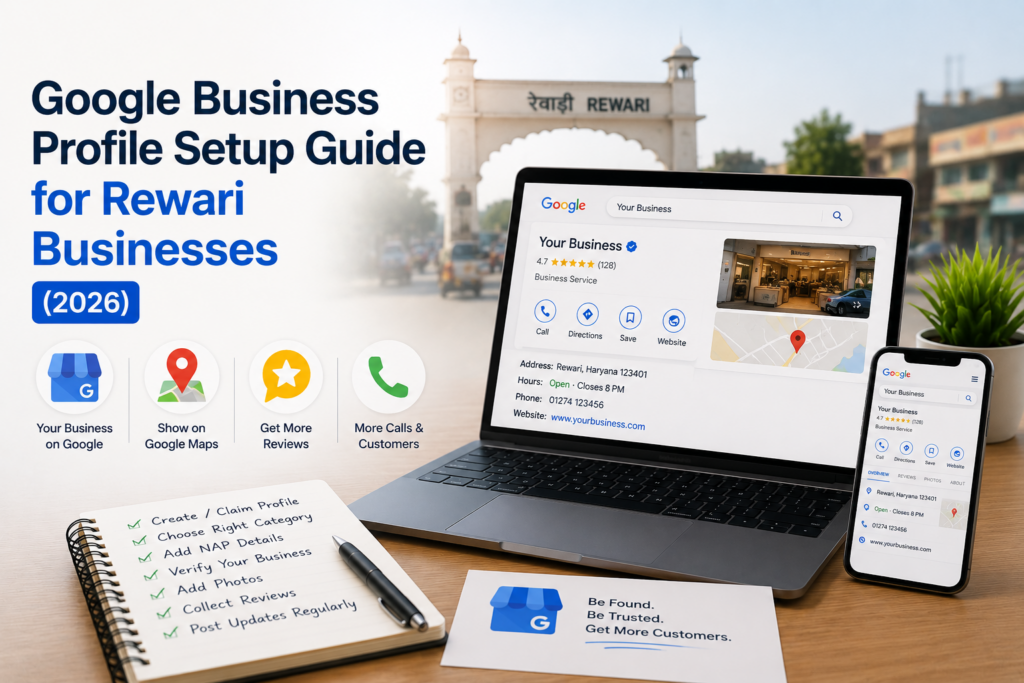
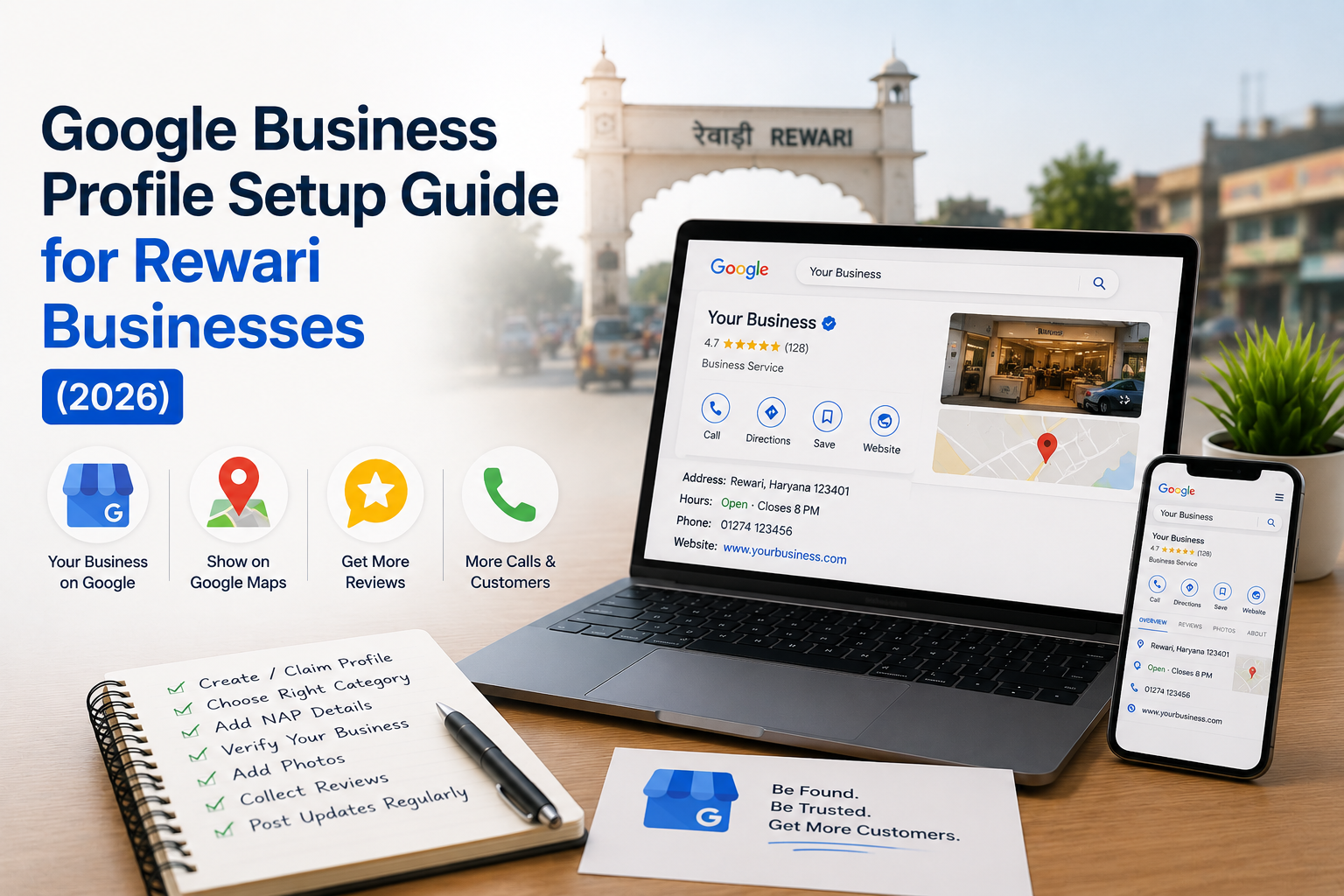
Here’s a free tool most Rewari businesses either ignore or set up badly: Google Business Profile. It’s the box that pops up on the right when someone searches your business name, and the map pins that appear for “near me” searches. Set it up well and you show up on Google Maps, collect reviews, and get calls, all without spending a rupee.
This is a plain, step-by-step guide to setting up (or fixing) your Google Business Profile as a Rewari business. No jargon. Just the steps that get you found.
What is a Google Business Profile, and why does it matter here?
A Google Business Profile is your free listing on Google Search and Google Maps. It shows your name, address, phone, hours, photos, reviews, and a route to your door. For a Rewari business, it’s often the very first thing a customer sees, before your website, before anything.
Think about how people search locally: “dentist in Rewari,” “coaching near me,” “car service Bawal.” Google answers these with a map and three local listings, the “local pack.” If your profile is complete and active, you can land in that pack. If you have no profile, you’re simply not in that conversation. That’s why this matters more than most owners realise.
Step 1: Create or claim your profile
Go to google.com/business and sign in with a Google account you’ll keep for the business, not a personal one you might lose access to. Search for your business name first. If Google already shows it (someone may have created a listing automatically), claim it instead of making a duplicate. Two listings for one business confuse Google and split your reviews.
If nothing shows up, create a new profile. You’ll enter your business name exactly as it appears on your signboard. Keep it consistent everywhere, more on that below.
Step 2: Pick the right business category
Your primary category tells Google what searches you should appear for. Choose it carefully. A “coaching centre” is different from a “tutoring service,” and picking the wrong one can keep you out of the right searches.
Pick the most specific category that fits, then add a few secondary categories for other services you offer. A web development company might use “Website designer” as primary and add “Software company” as secondary. Don’t stuff in categories that don’t apply. Google notices, and it doesn’t help.
Step 3: Get your NAP exactly consistent
NAP means Name, Address, Phone. These three must match everywhere: your profile, your website, your Facebook, your business website, any directory. Even small differences, “Shop 4” versus “Shop No. 4”, can weaken Google’s trust in your listing.
Write your address the way India Post would recognise it, including the Rewari or Bawal locality and pin code. Use a real, reachable phone number, ideally a local one customers can call directly. Consistency here quietly powers your ranking in local search.
Step 4: Verify your business
Google won’t fully show your profile until you prove the business is real. For most Rewari businesses, verification comes by postcard, a code mailed to your address, or sometimes by phone or video. The postcard usually arrives within a couple of weeks.
Don’t skip this or delay it. An unverified profile has limited reach and can’t be trusted by Google to appear in the local pack. Enter the code as soon as it arrives, and you’re properly on the map, literally.
Step 5: Fill in every detail (hours, services, description)
A half-empty profile ranks and converts worse than a complete one. Fill everything: business hours (including holiday timings), services with short descriptions, your website link, and a “from the business” description that explains what you do in plain words.
Write the description for a customer, not for Google. Mention that you serve Rewari, Bawal, and nearby areas so it’s obvious you’re local. Add attributes if they apply, like “online appointments” or “wheelchair accessible.” Every filled field is one more reason for Google to show you and for a customer to choose you.
Step 6: Add real photos (this matters more than you’d think)
Profiles with genuine photos get far more clicks and calls than bare ones. Add your shopfront so people recognise it from the road, your interior, your team, your products or work samples. Real photos beat stock images every time.
A quick tip: take horizontal photos in good daylight, and refresh them now and then. A profile that adds new photos looks active, and active profiles tend to do better. Skip blurry or heavily filtered shots. Customers want to see the real you.
Step 7: Start collecting and replying to reviews
Reviews are the heart of a Google Business Profile. They build trust and they influence ranking. After a happy customer’s visit, ask, politely and simply, if they’d leave a Google review. Share your review link on WhatsApp to make it a two-tap job.
Then reply to every review, good or bad. Thank the happy ones. Answer the unhappy ones calmly and offer to fix things. Future customers read those replies closely. A business that responds well, even to criticism, looks like one worth trusting.
Step 8: Keep it alive with Posts and Q&A
Your profile isn’t set-and-forget. Use Google Posts to share offers, new services, or updates, they show right on your listing. Keep an eye on the Q&A section too, where anyone can ask a question. Answer them yourself before a random stranger gives wrong information.
Also check your Insights (now called “performance”) now and then. It shows how many people found you, called, or asked for directions. That’s real feedback on whether your local presence is working, and it’s free.
Tie your profile to your website for best results
A Google Business Profile is powerful on its own, but it works best paired with a proper website. The profile gets you found; the website closes the deal with detail, photos, and trust. Link them together, matching NAP, and Google rewards the consistency.
Many Rewari businesses have neither. If you’re one of them, our guide on how businesses lose customers without a website shows what’s at stake, and our guide to choosing a web company in Bawal helps you take the next step.
Frequently asked questions
Is Google Business Profile free for Rewari businesses?
Yes, it’s completely free to create and manage. Google doesn’t charge for the listing, reviews, photos, or posts. The only paid option is Google Ads, which is separate. For local visibility, a well-maintained free profile is one of the highest-value tools a small business has.
How long does verification take?
Postcard verification usually takes one to two weeks to arrive at your Rewari address. Some businesses get faster options like phone or video verification. Until you enter the verification code, your profile has limited reach, so complete it as soon as the code arrives.
Can I set up a profile without a physical shop?
Yes. If you serve customers at their location, like a repair or consulting service, you can set up as a service-area business and hide your address while still listing the areas you cover, such as Rewari and Bawal. You still need to verify the business.
How do I get more Google reviews?
Simply ask happy customers, and make it easy. Share your review link on WhatsApp so they can leave feedback in two taps. Never buy fake reviews, Google detects and removes them, and it can penalise your profile. Steady, genuine reviews over time work best.
Want help setting it all up correctly?
A Google Business Profile is simple to start but easy to set up in a way that quietly holds you back, wrong category, inconsistent NAP, no photos. If you’d rather have it done right the first time and linked properly to your website, we can handle it for you.
Reach out at indriontech.com, or find us on Google Maps, that listing you see is exactly what we’ll help you build for your business.